



Auto Speed Control
Compatible with Most
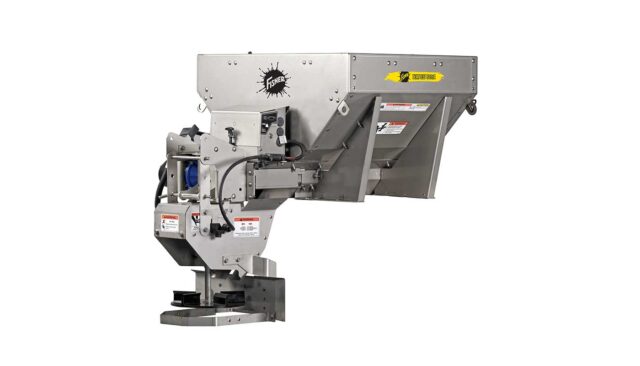
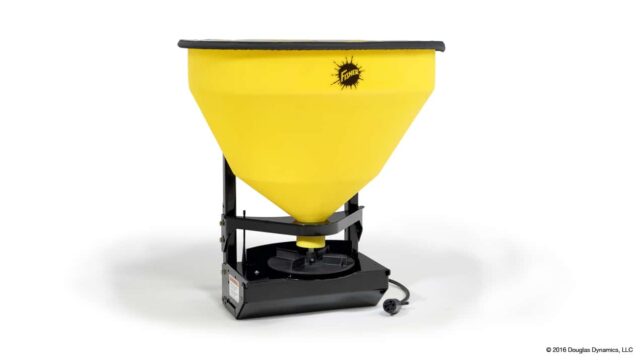
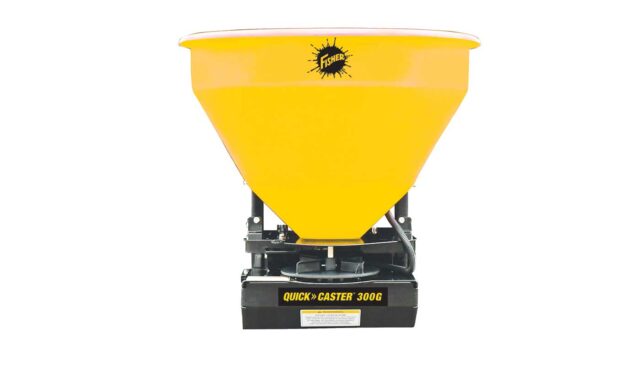
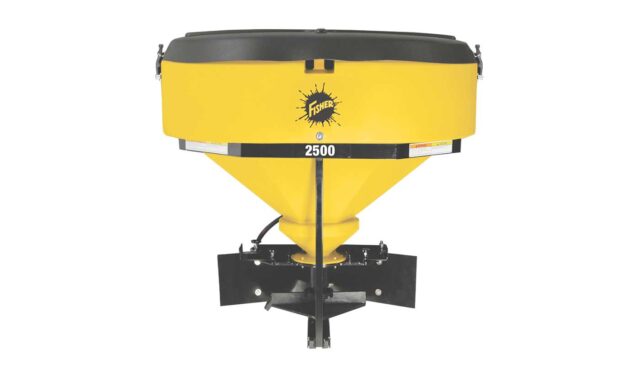
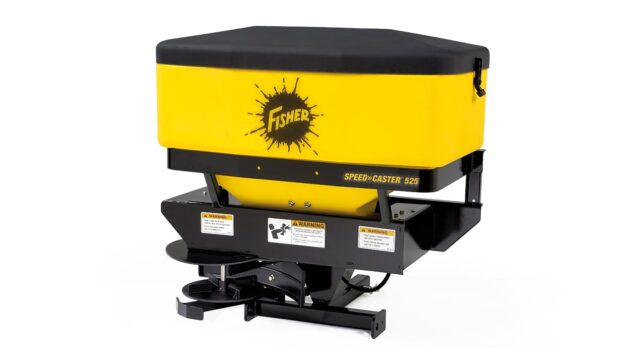
FLEET FLEX Hopper Spreaders
Salty by Nature.
Smart by Design.
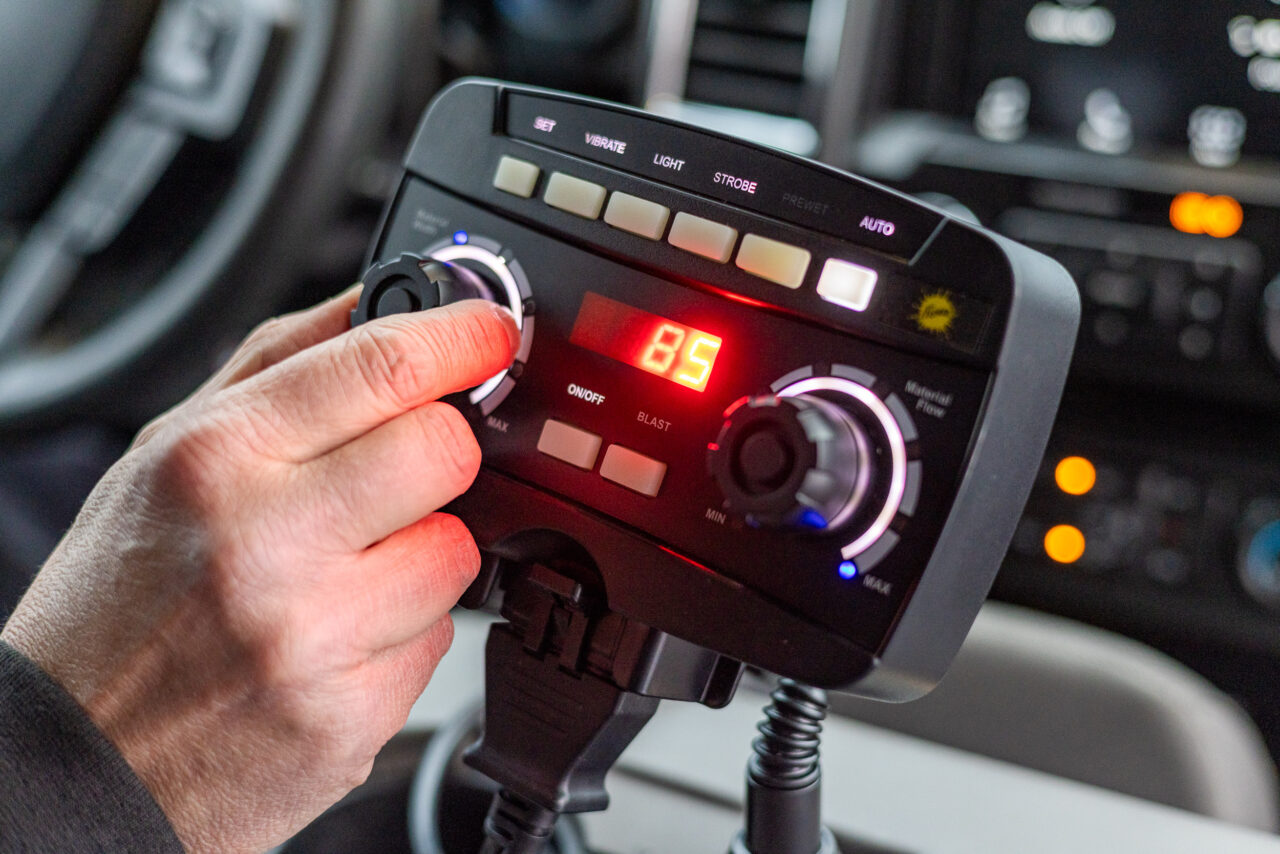
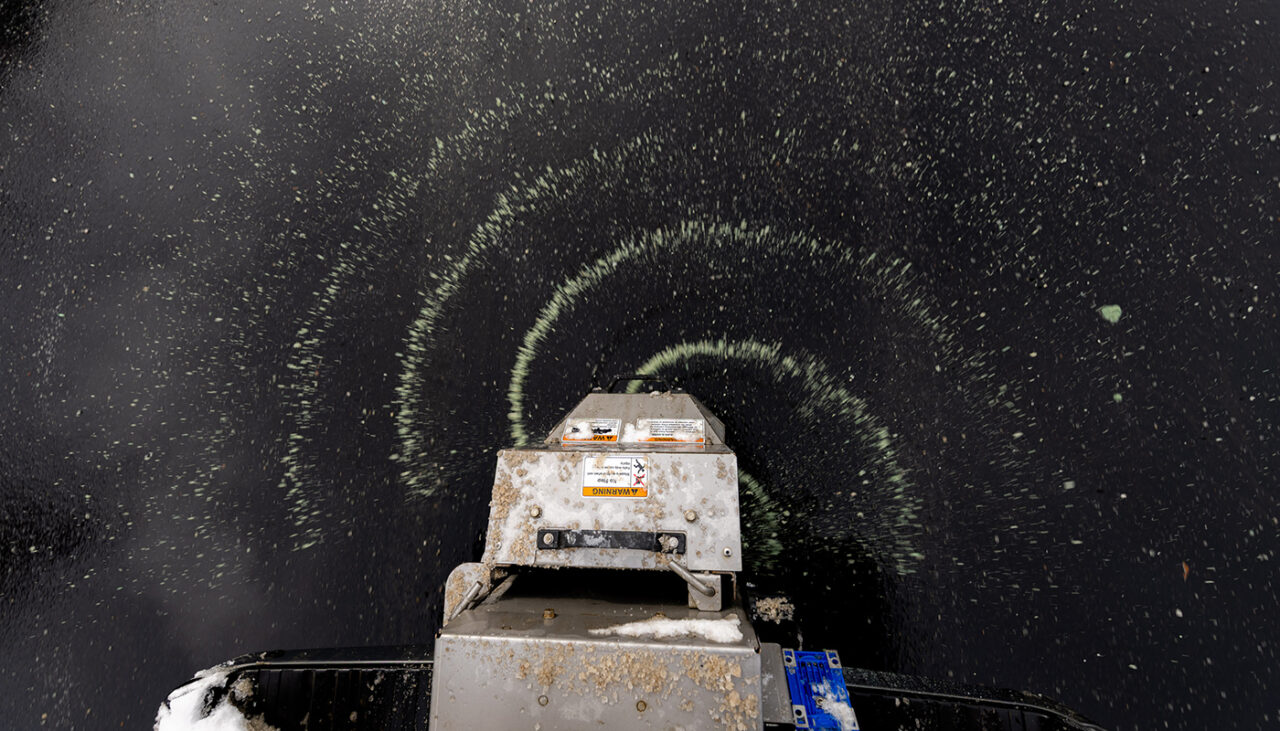
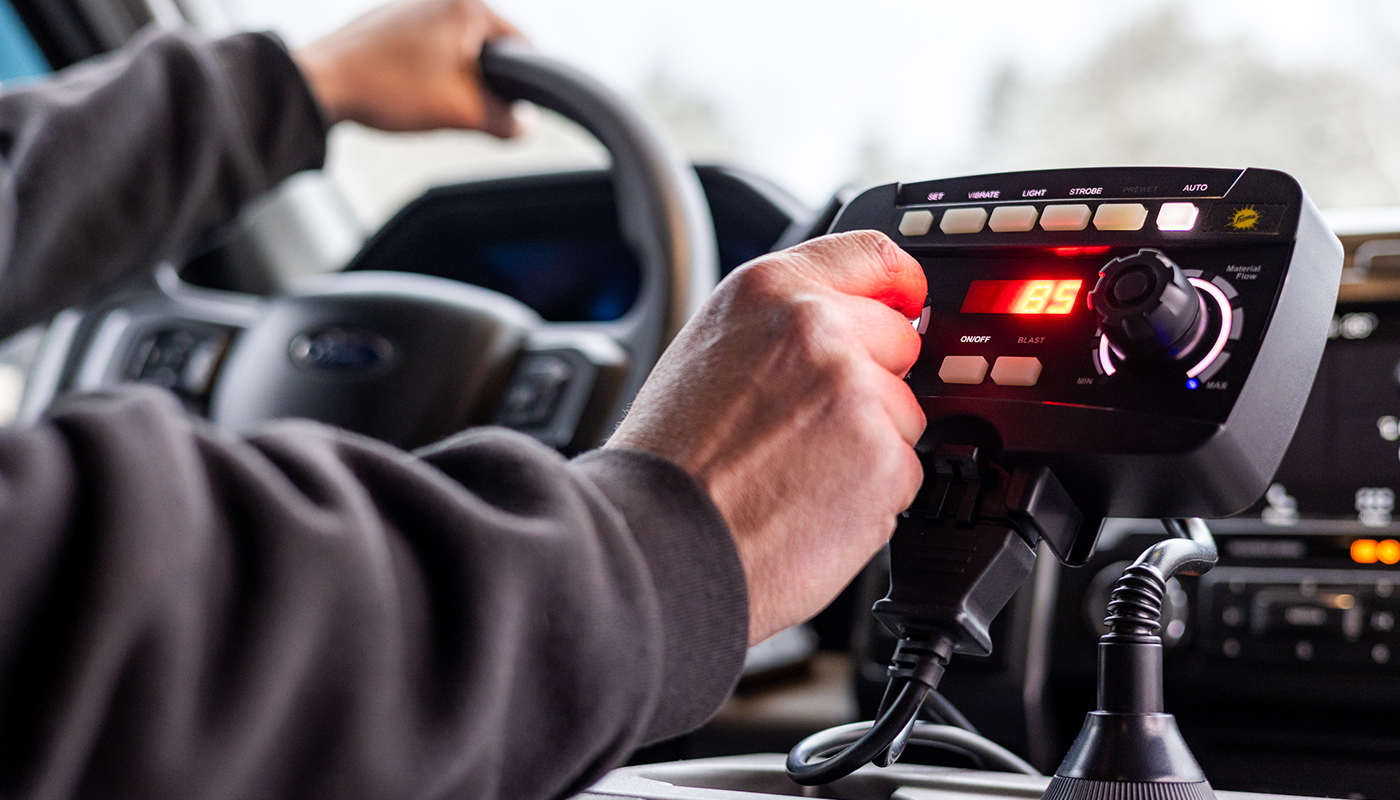
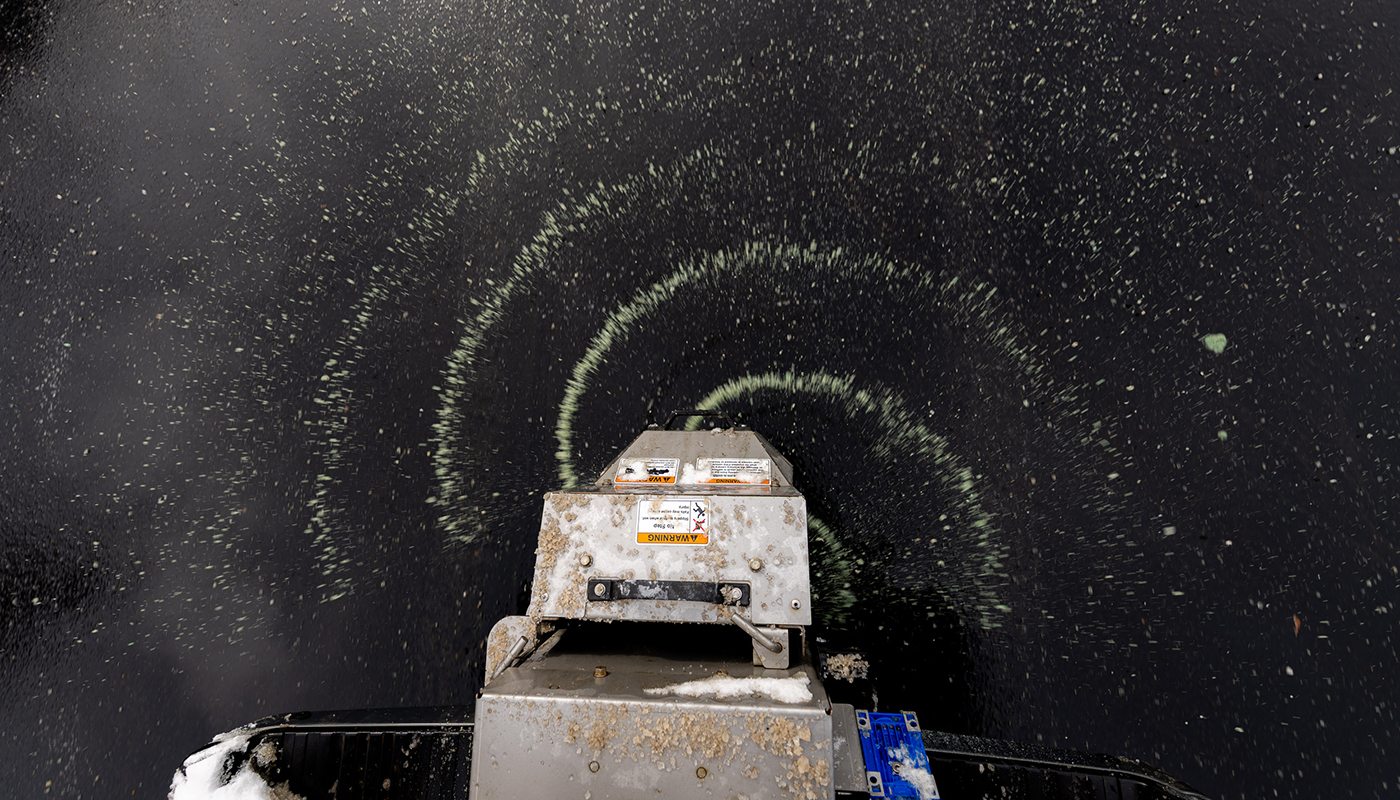
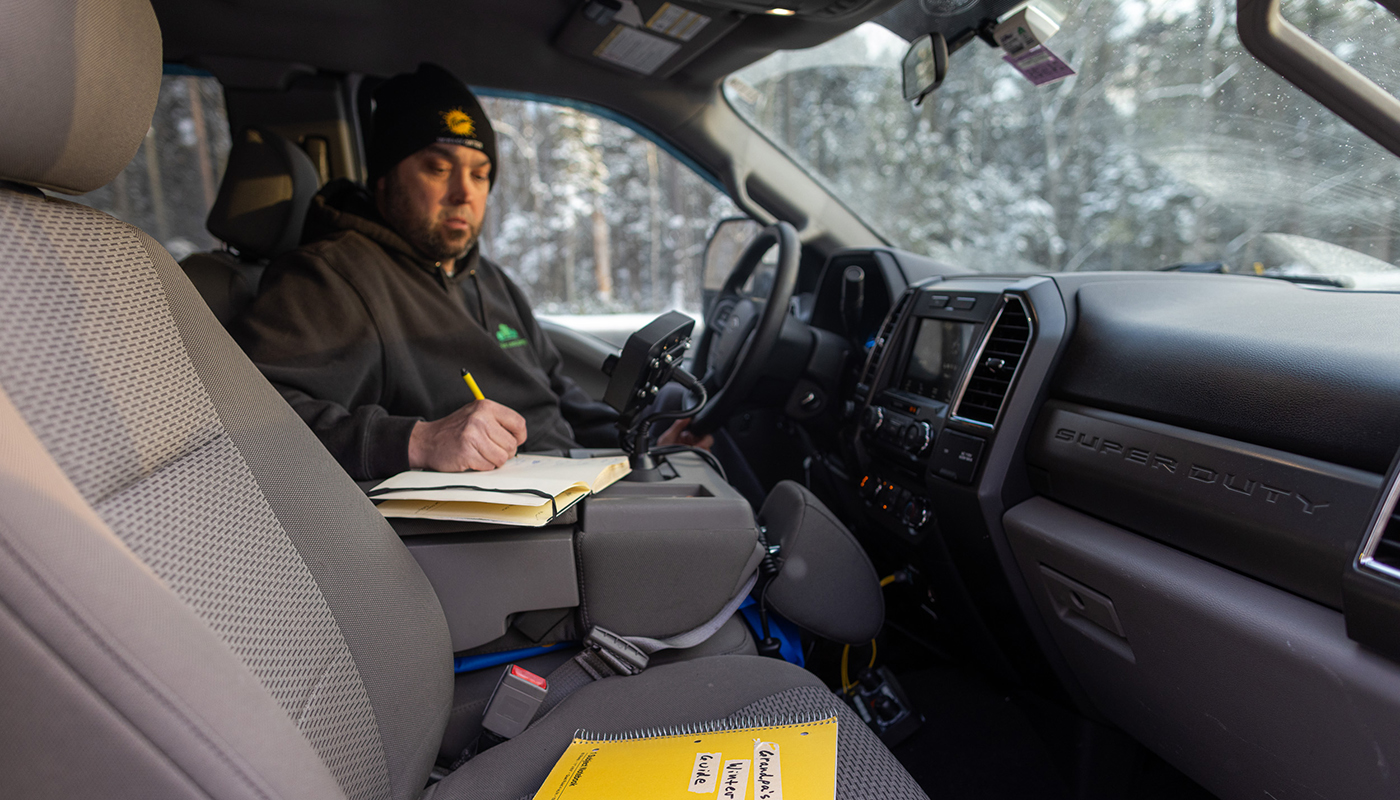
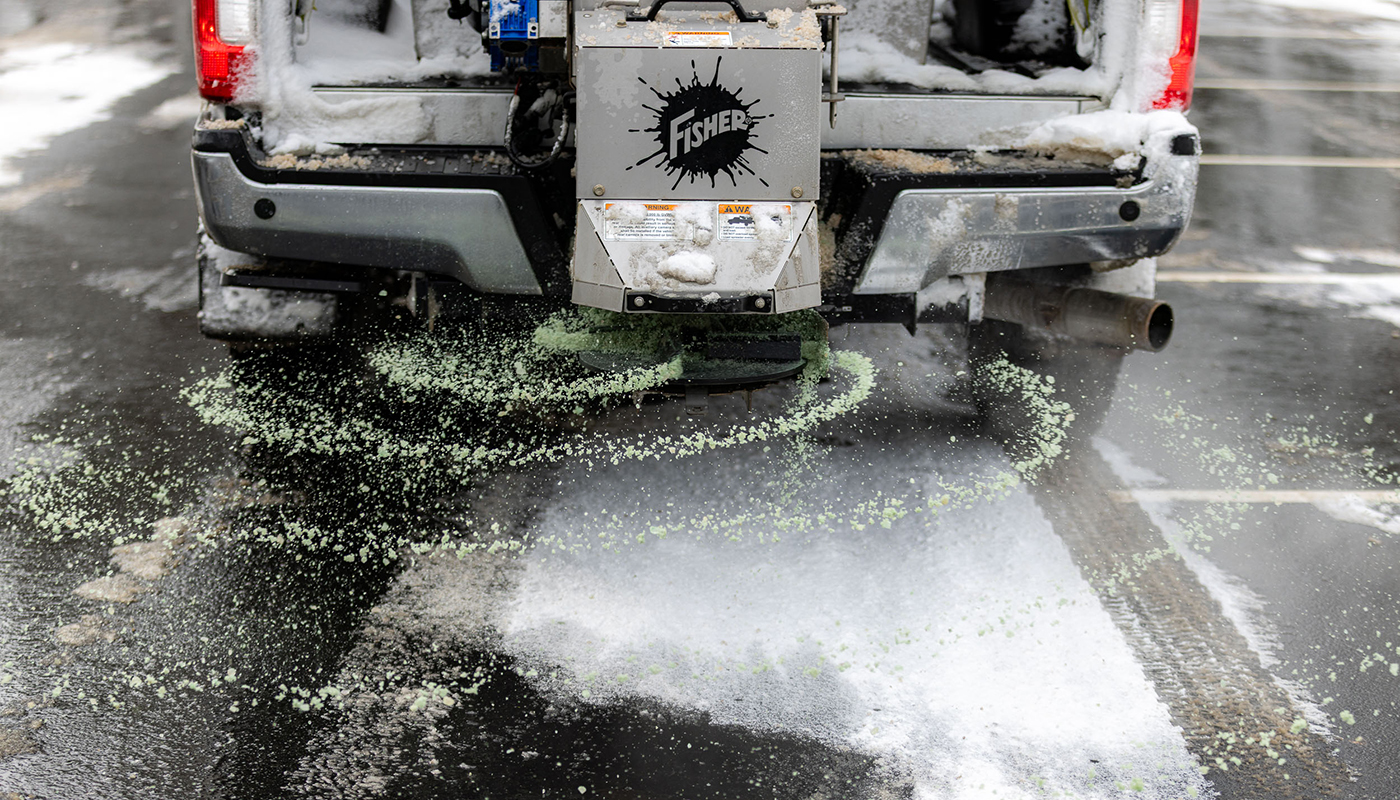
This winter, we’re rebuilding the workflow for snow and ice operators with something new: The Auto Speed Control. This easy-to-use module control sits in your cab and adapts your salt and sand delivery to the speed of your truck—so you can feel confident hitting target service levels every time. Consistent spread. Less waste. Fewer passes.
Compatible with the following spreaders:
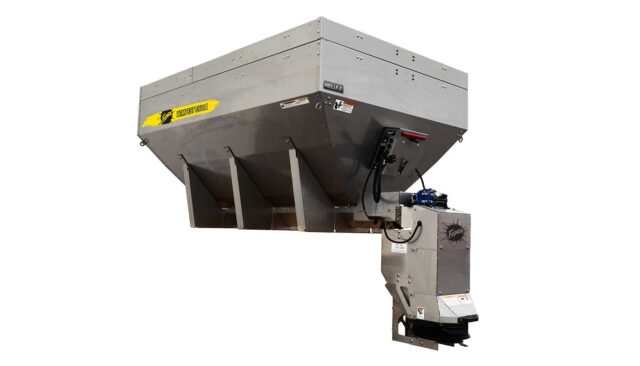
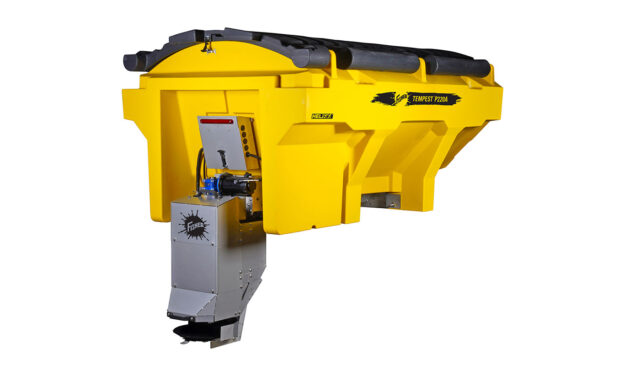
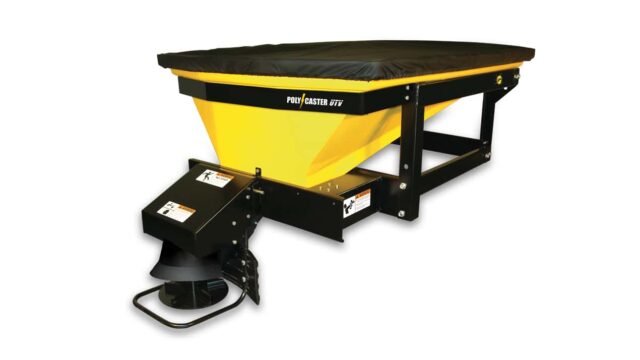
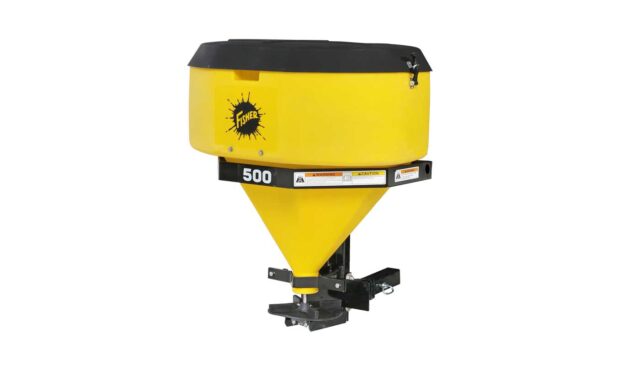
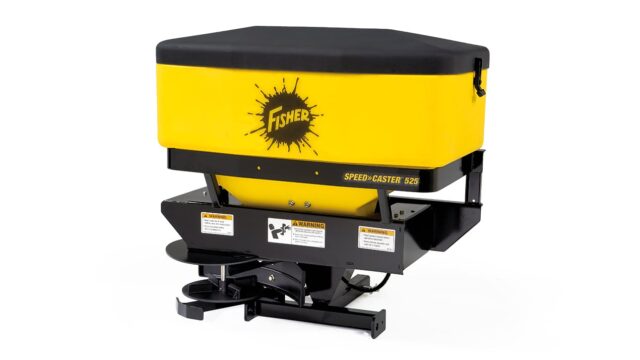
TEMPEST™ (Compact), TEMPEST (Stainless), TEMPEST (Poly), and POLY-CASTER™
UNIQUE FEATURES
PATENTED EDGEVIEW™ TECHNOLOGY
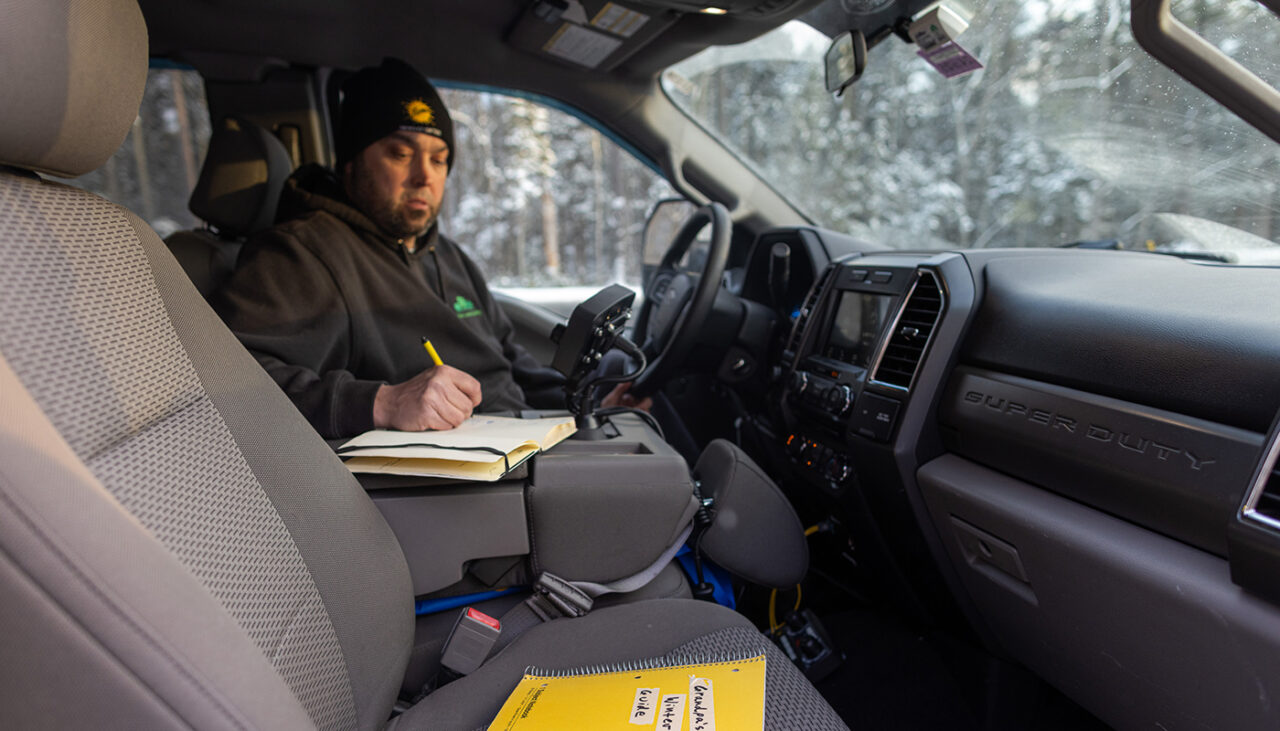
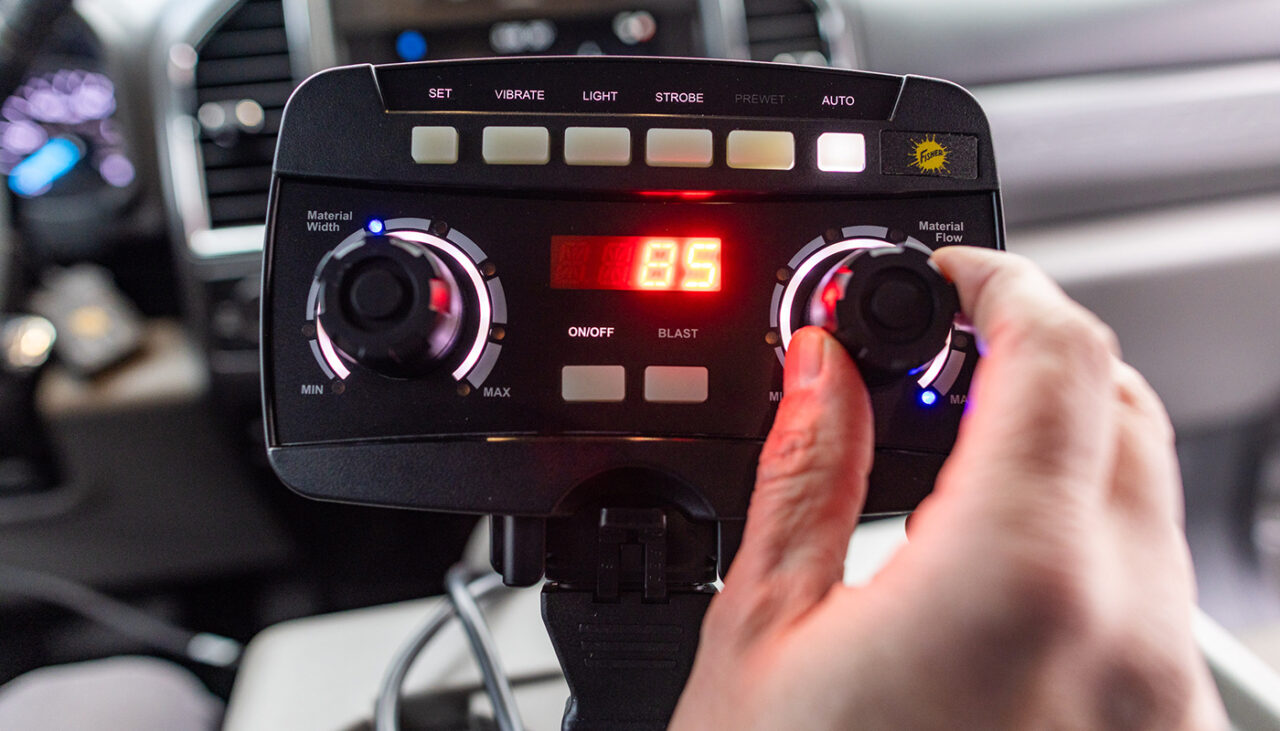
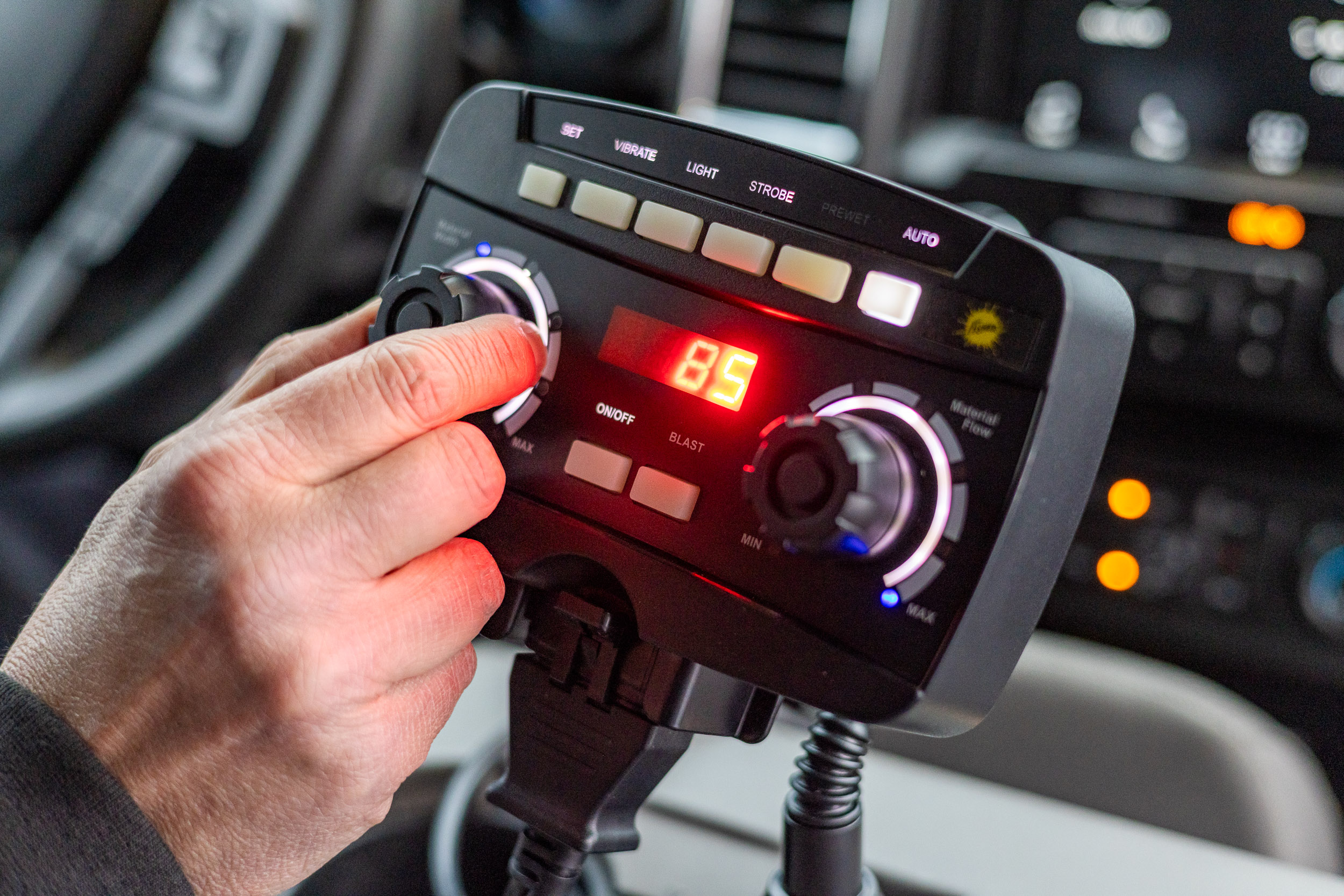
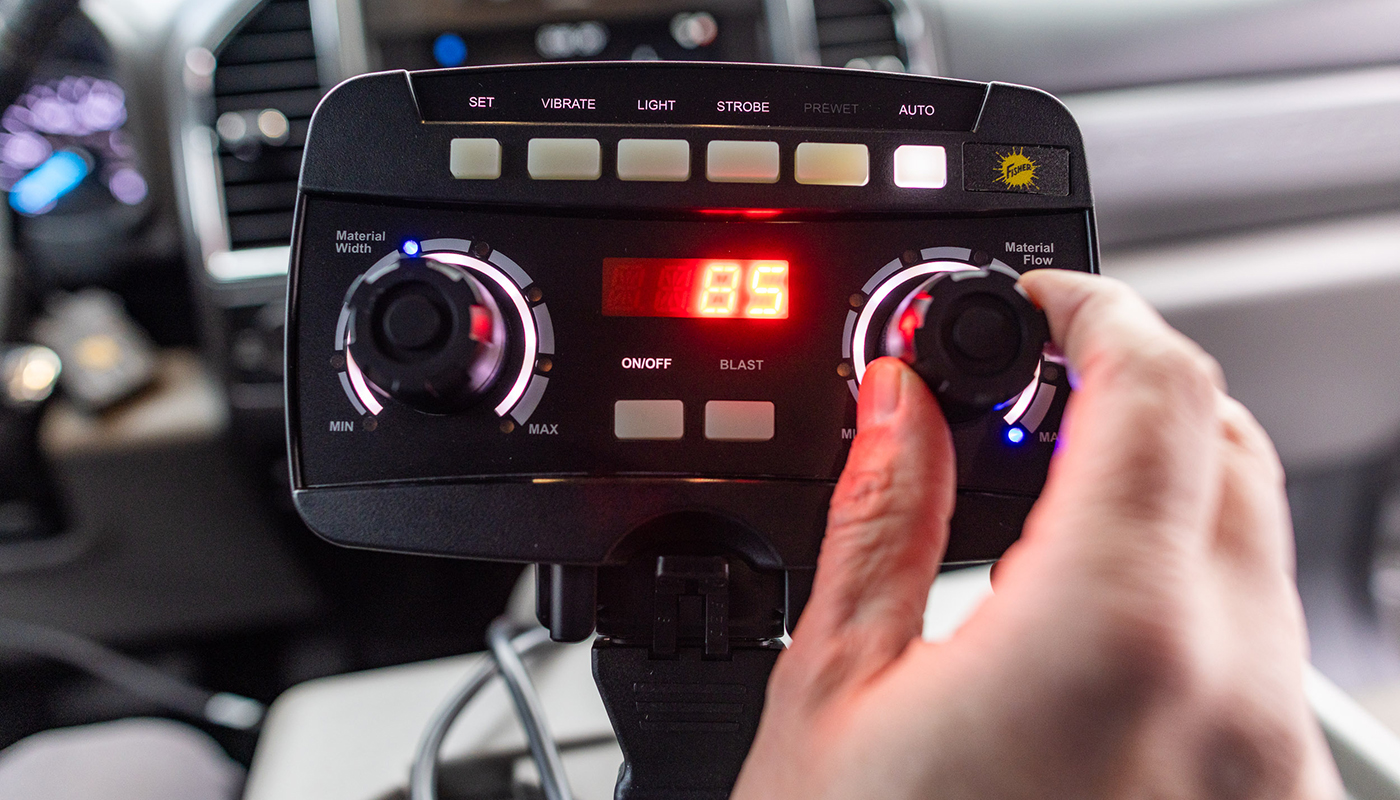
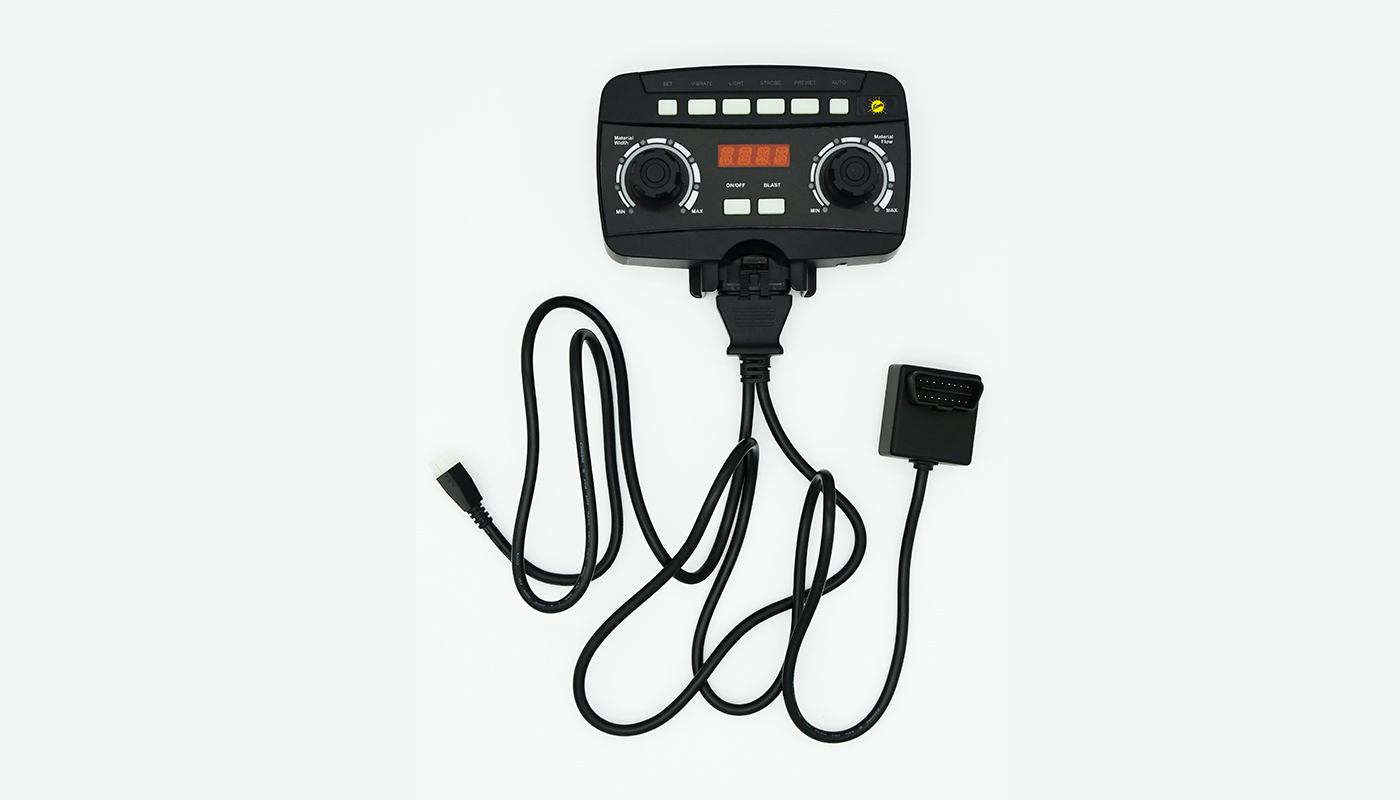
Set the desired spread rate and the control takes it from there. It will notify operators with an “S” if they are going too slow and an “F” if they are going too fast to maintain the set material application rate. The control will also keep a running total of material spread until the counter is reset. Operators can then log the value into third party apps or notebook for future use.
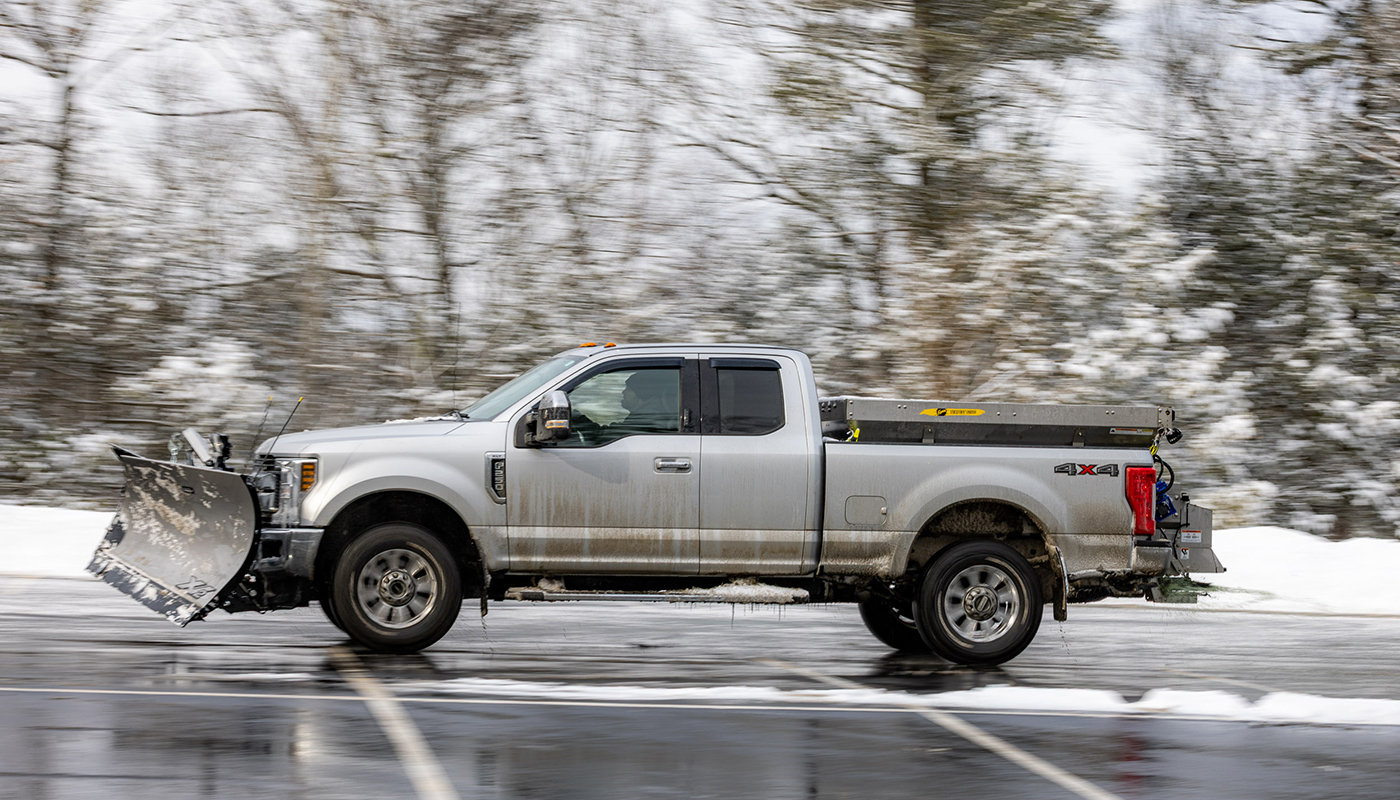
FLEET COMPATIBILITY
The Auto Speed Control is compatible with FISHER hoppers equipped with the FLEET FLEX electrical system, dating back to 2016. This allows your operation to upgrade the spreader control to unlock adjustable spread rate control without investing in new hopper spreaders.
Including: TEMPEST™ (Compact), TEMPEST (Stainless), TEMPEST (Poly), and POLY-CASTER™
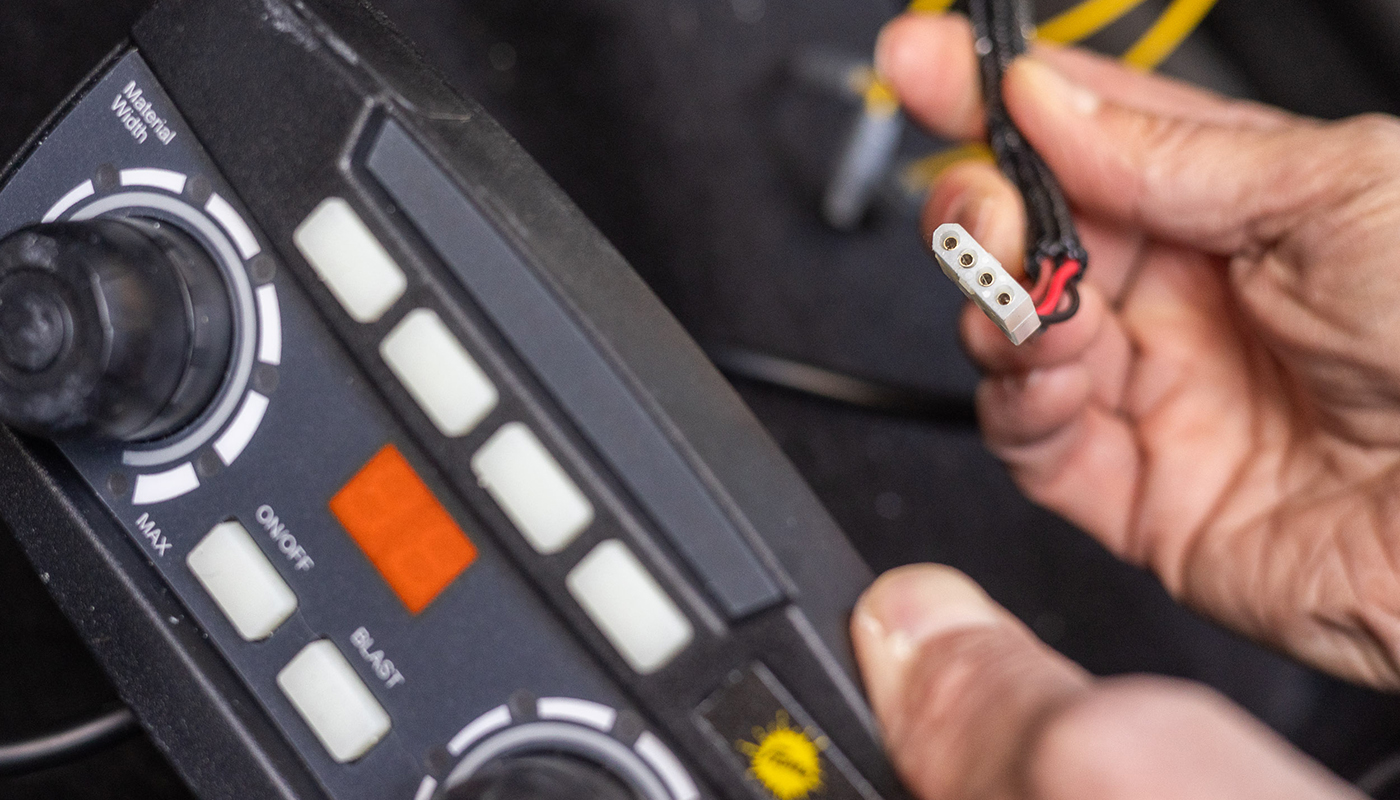
FAST, EASY INSTALLATION
Installation is fast, complete in four easy steps:
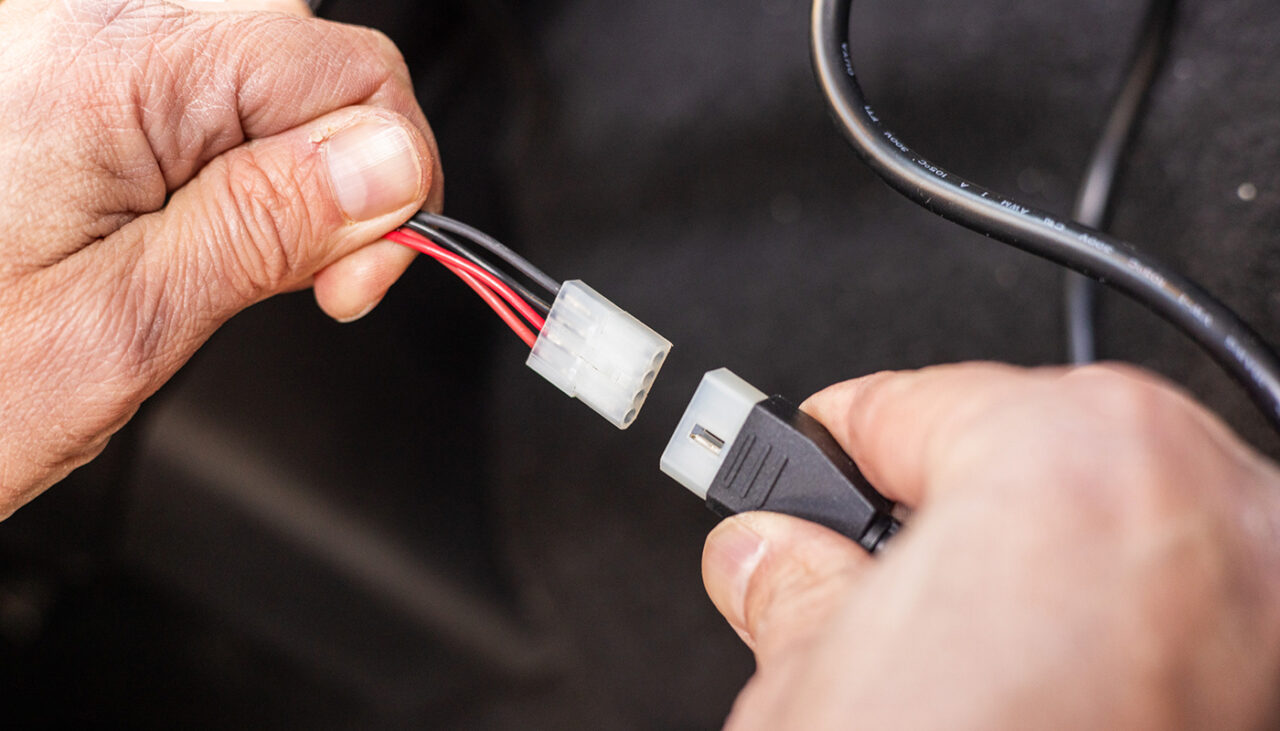
STEP 1: Install new spreader wiring harness or utilize existing harness from a compatible hopper spreader unit.
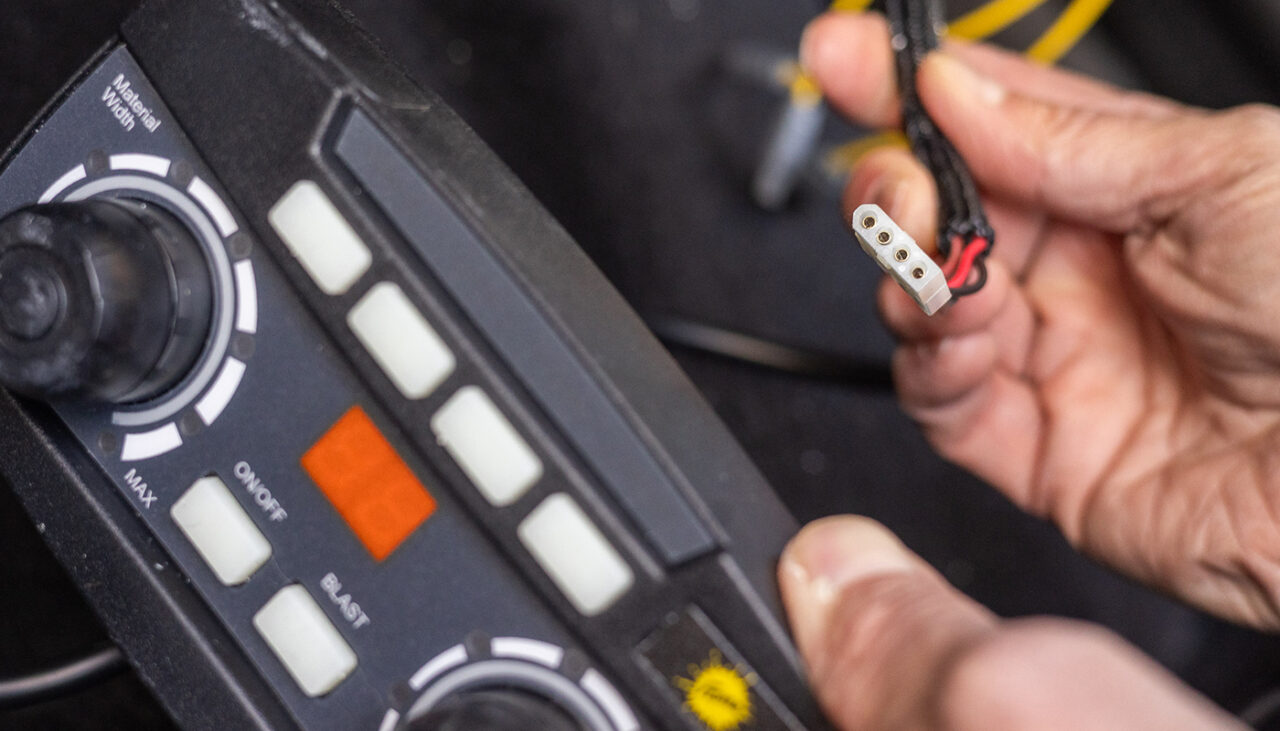
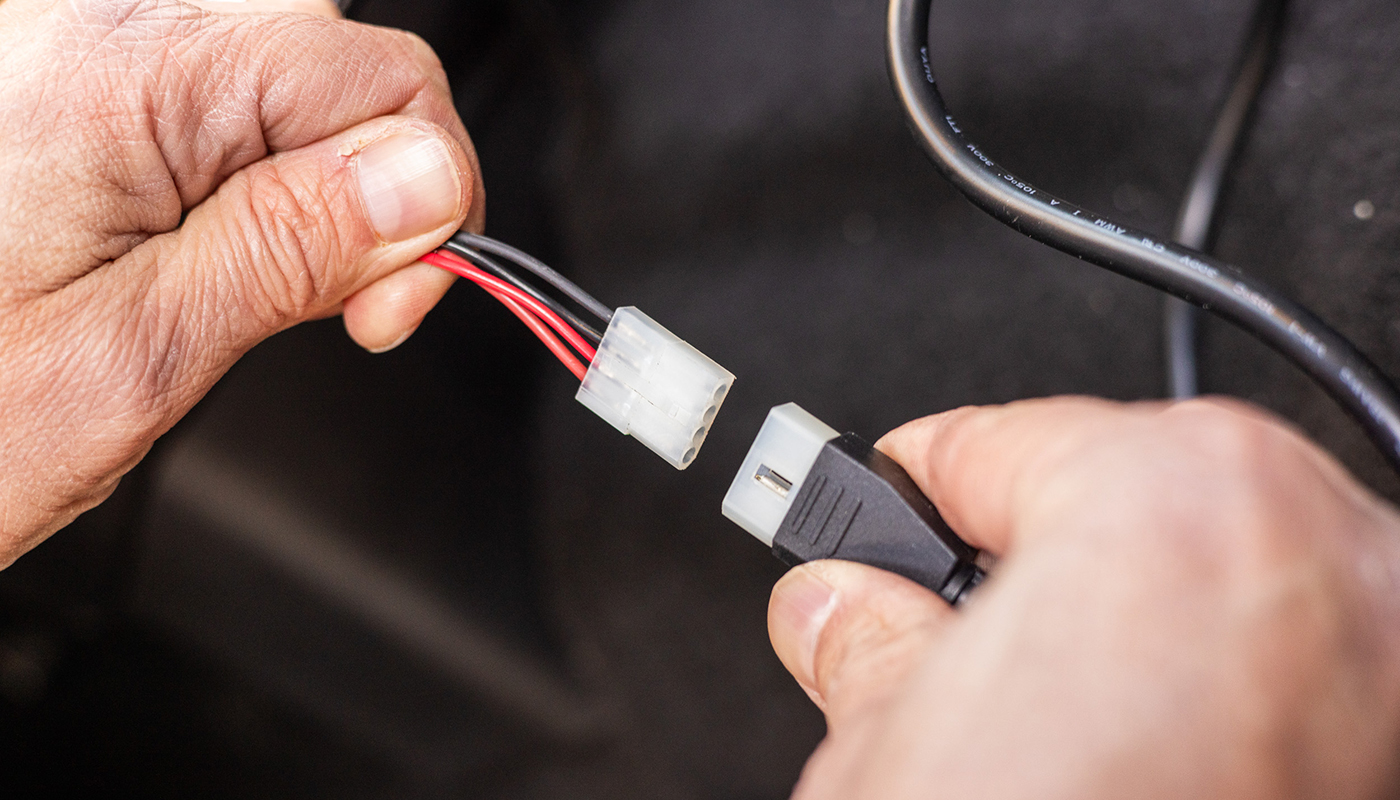
STEP 2: Connect the spreader wiring harness to the Auto Speed Control.
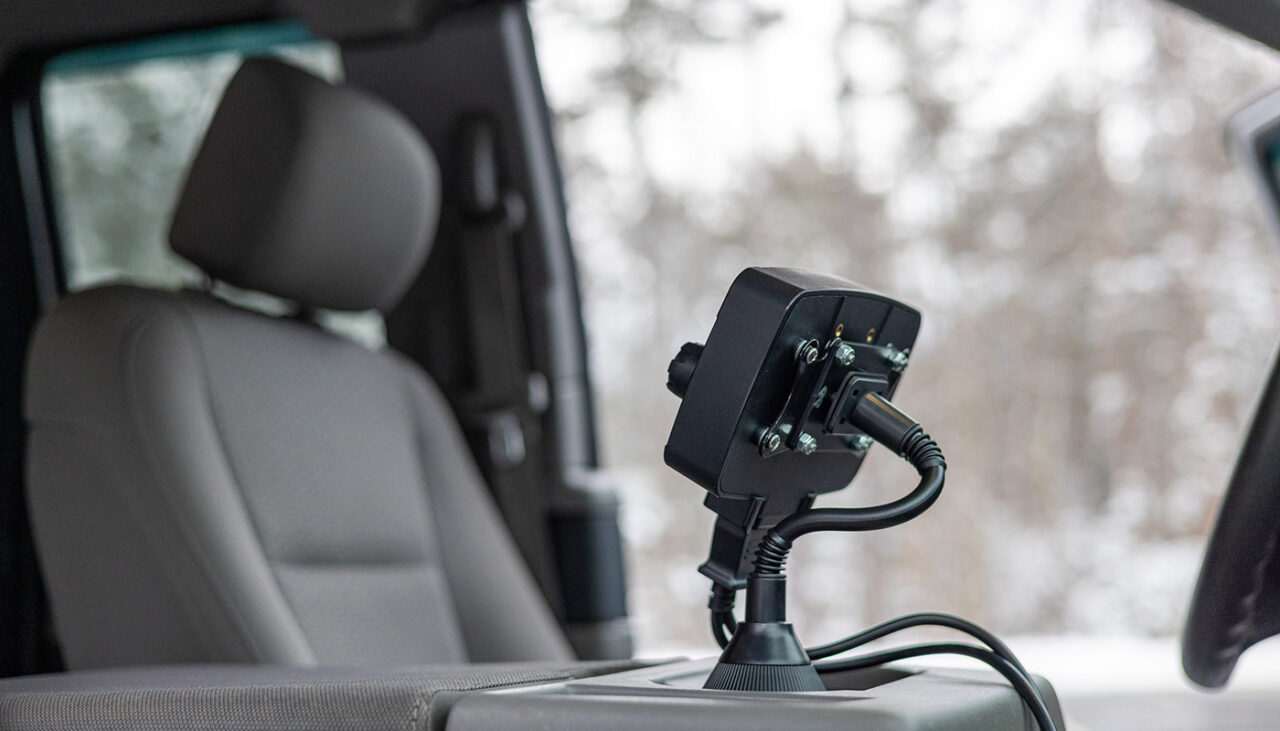
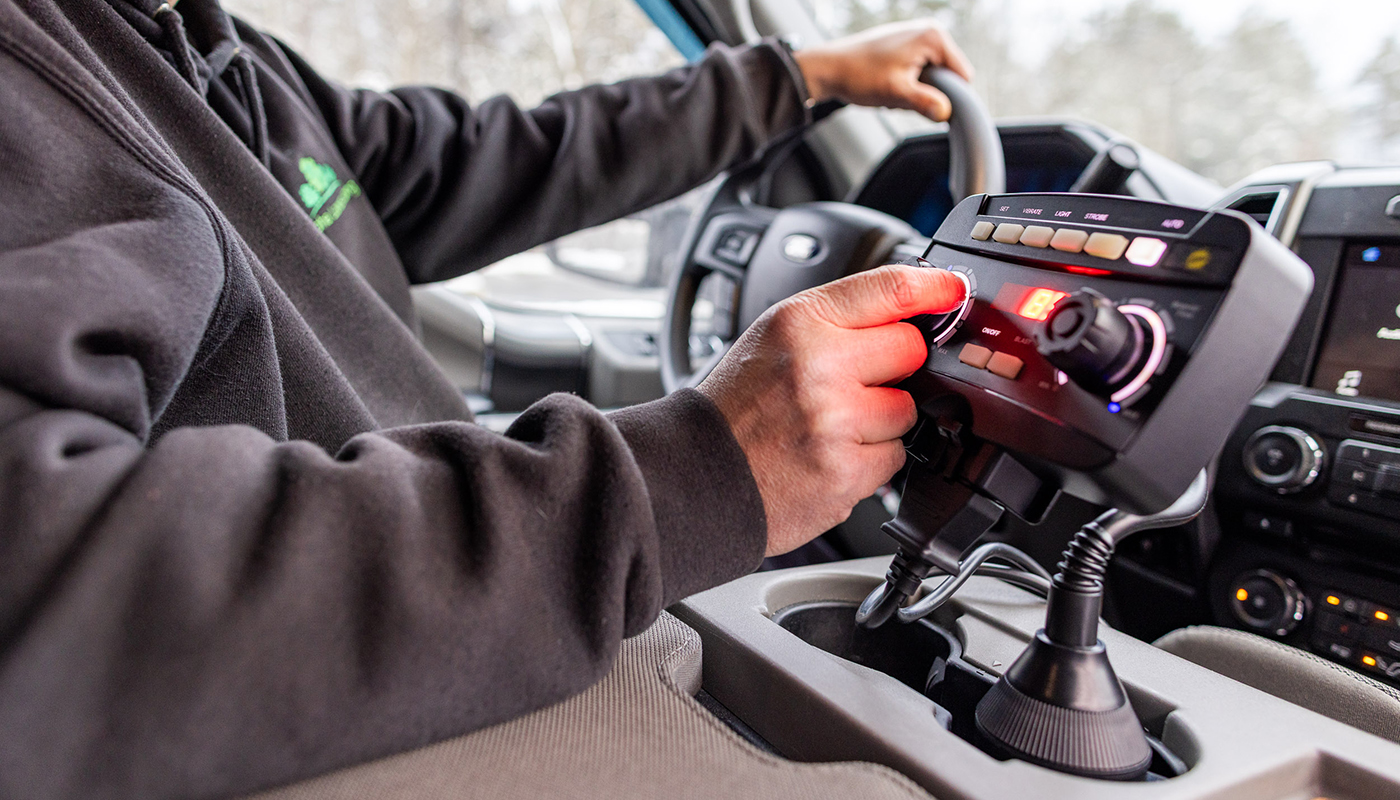
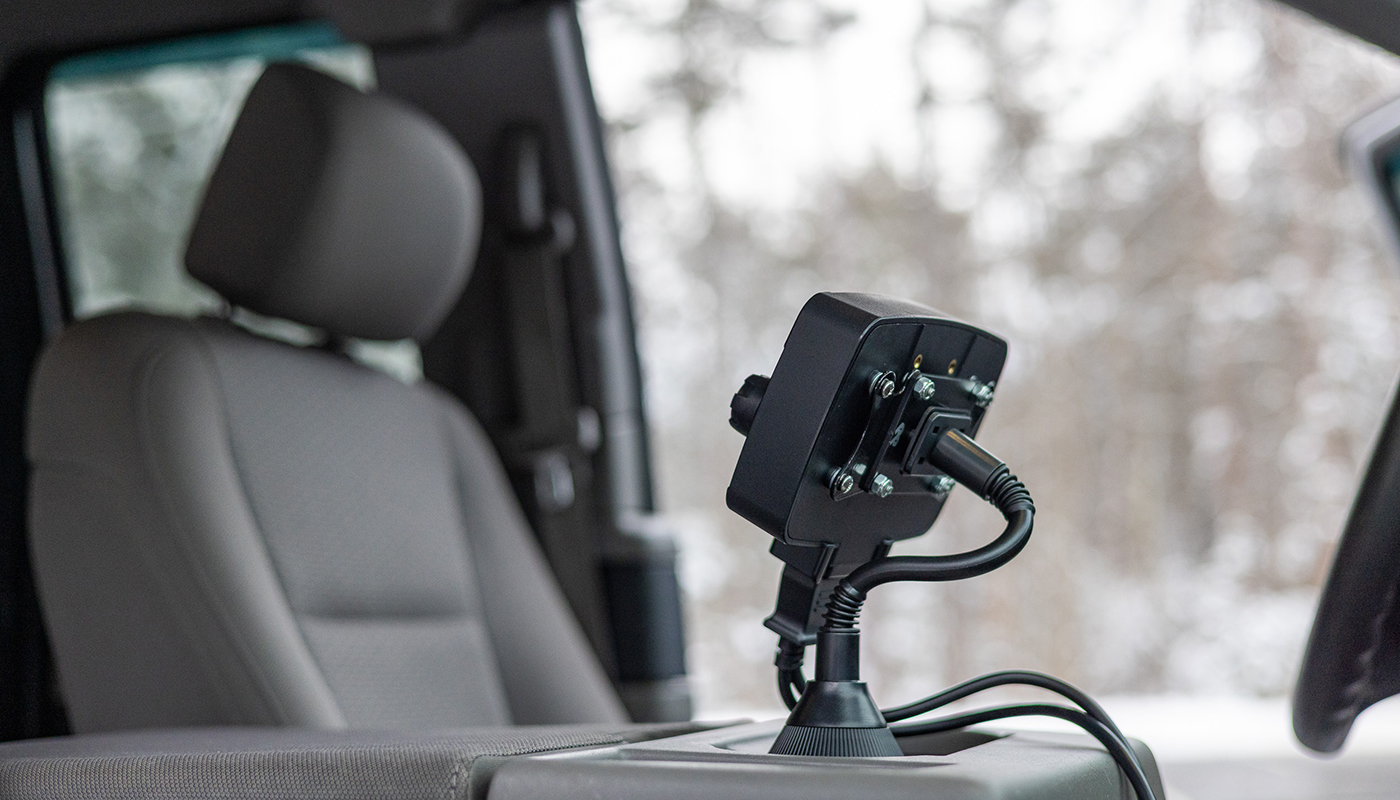
STEP 3: Attach the control to the preferred mounting bracket and install the mounting bracket to the vehicle.
STEP 4: Secure the wiring harness and wire routing as necessary.
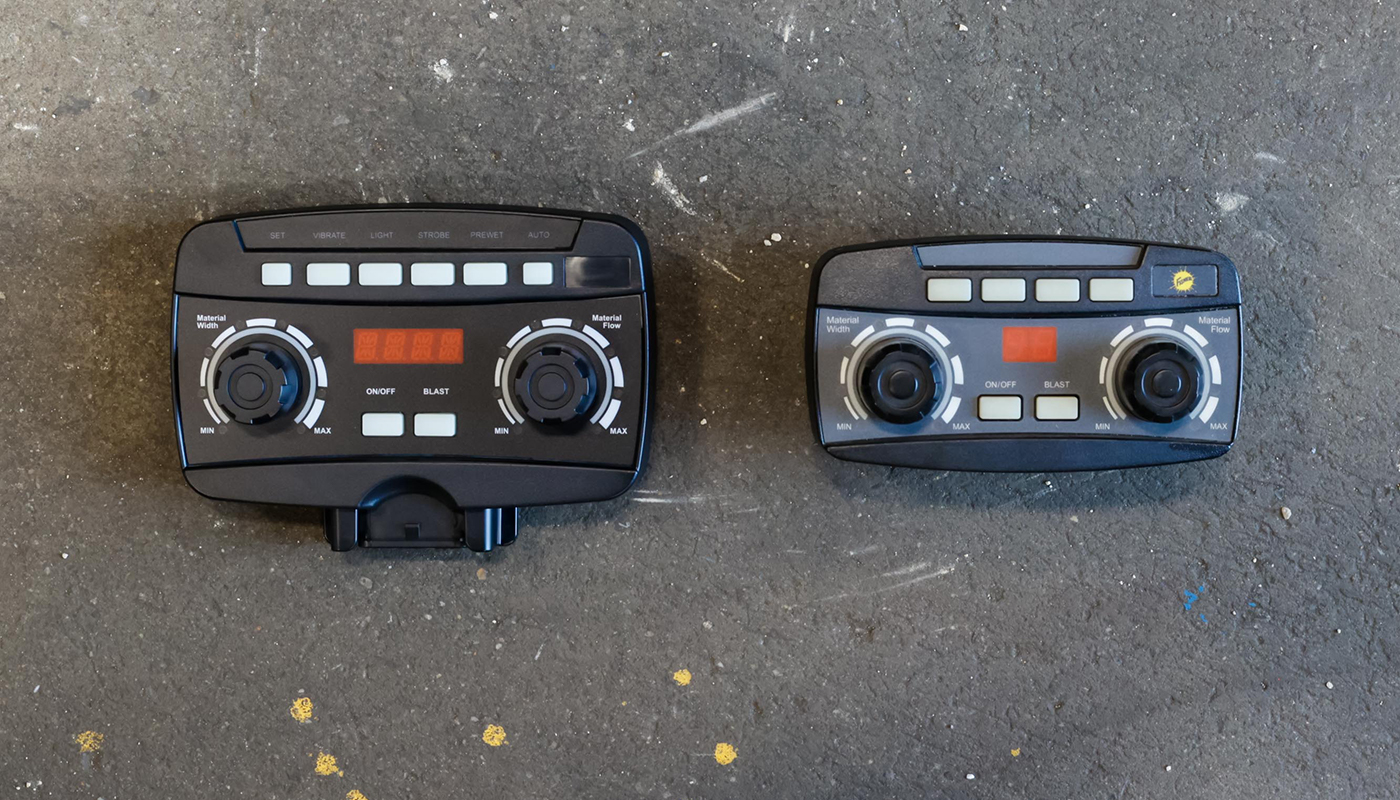
FAMILIAR LAYOUT
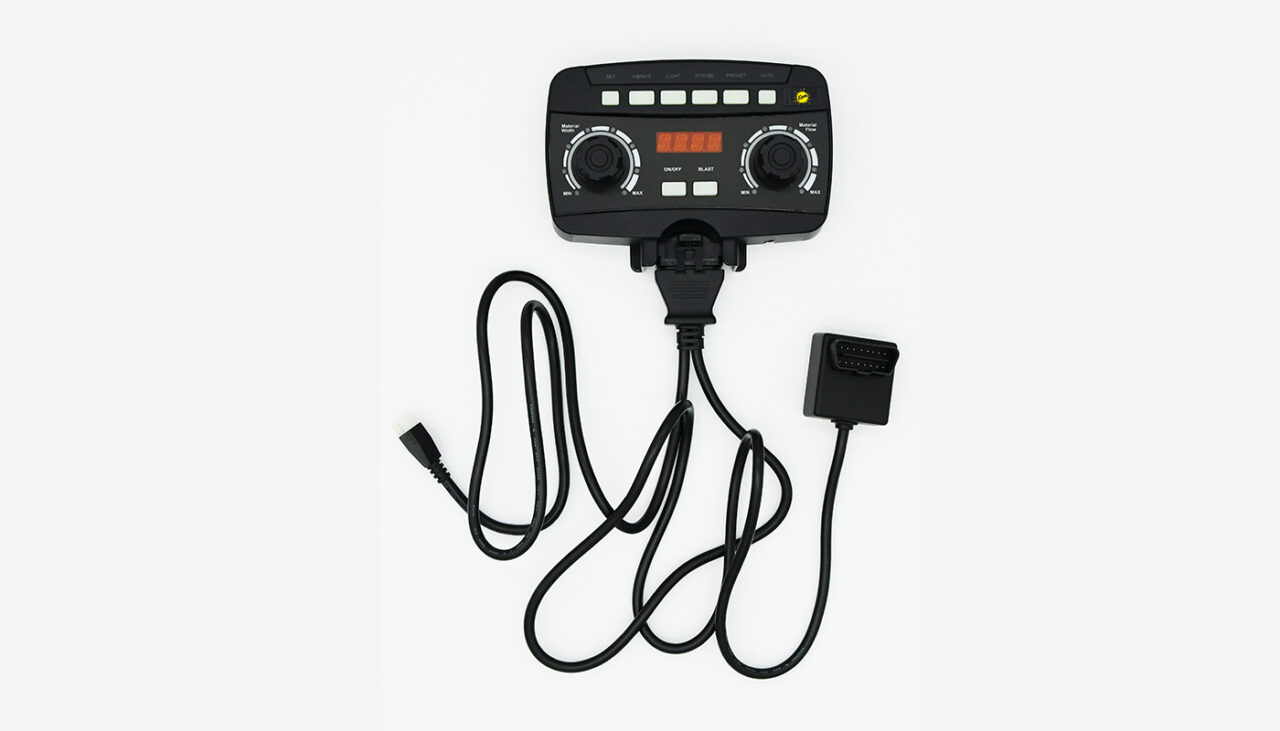
The control layout is similar to the legacy adjustable rate hopper spreader control from FISHER hoppers that utilize the FLEET FLEX electrical system. The all-new Auto Speed Control function can be engaged or disengaged by pressing the AUTO button at the top of the control. This aids in faster adoption by your de-icing specialists.
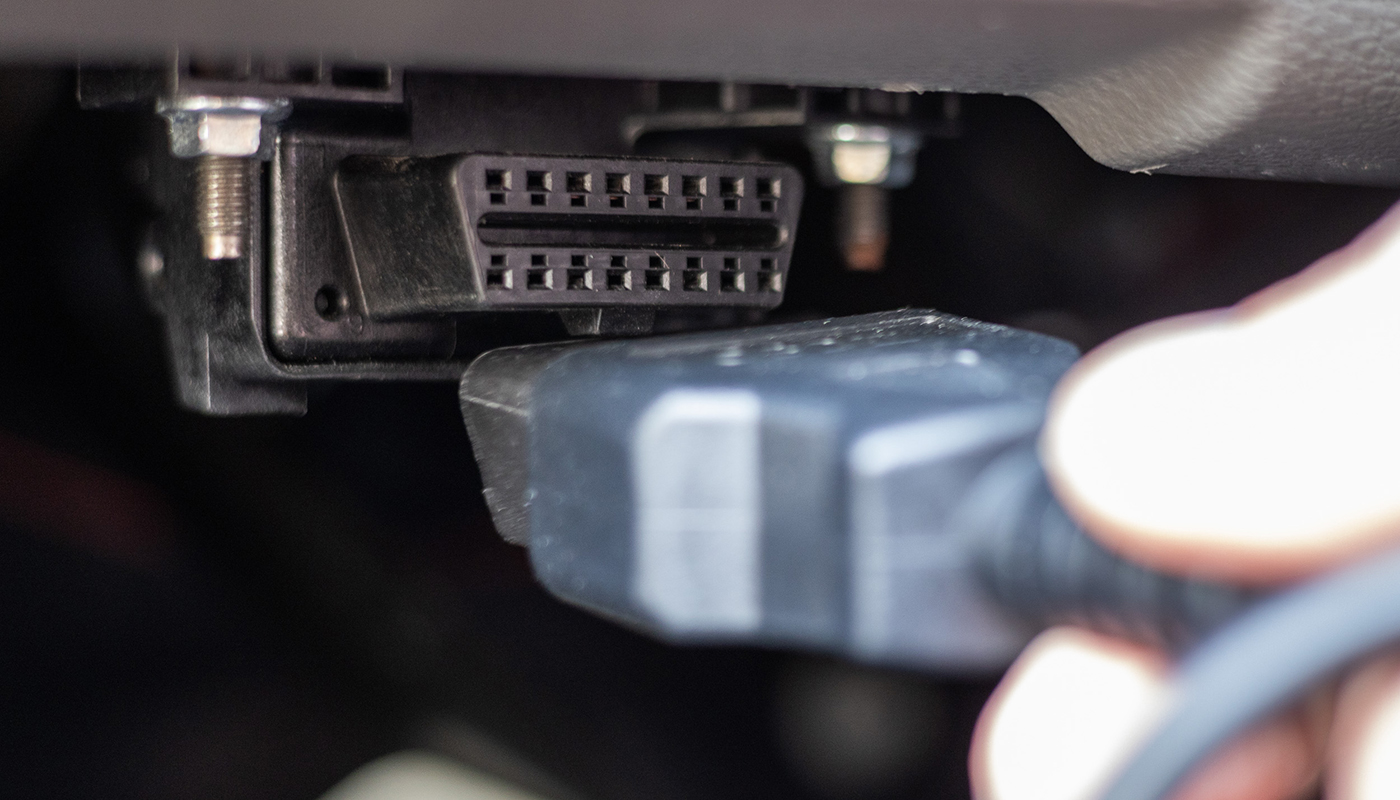
DIRECT VEHICLE LINK
Utilizing the OBD-II port in the vehicle allows the Auto Speed Control to instantly adjust de-icing material flow to changes in vehicle speed. This reduces wasted material and pooling when coming to a stop for moving vehicles or pedestrians while material is being spread. When the vehicle travels over 45 mph the de-icing material flow is stopped to eliminate unwanted spreading while traveling between sites.